Scan. Pay. Take.
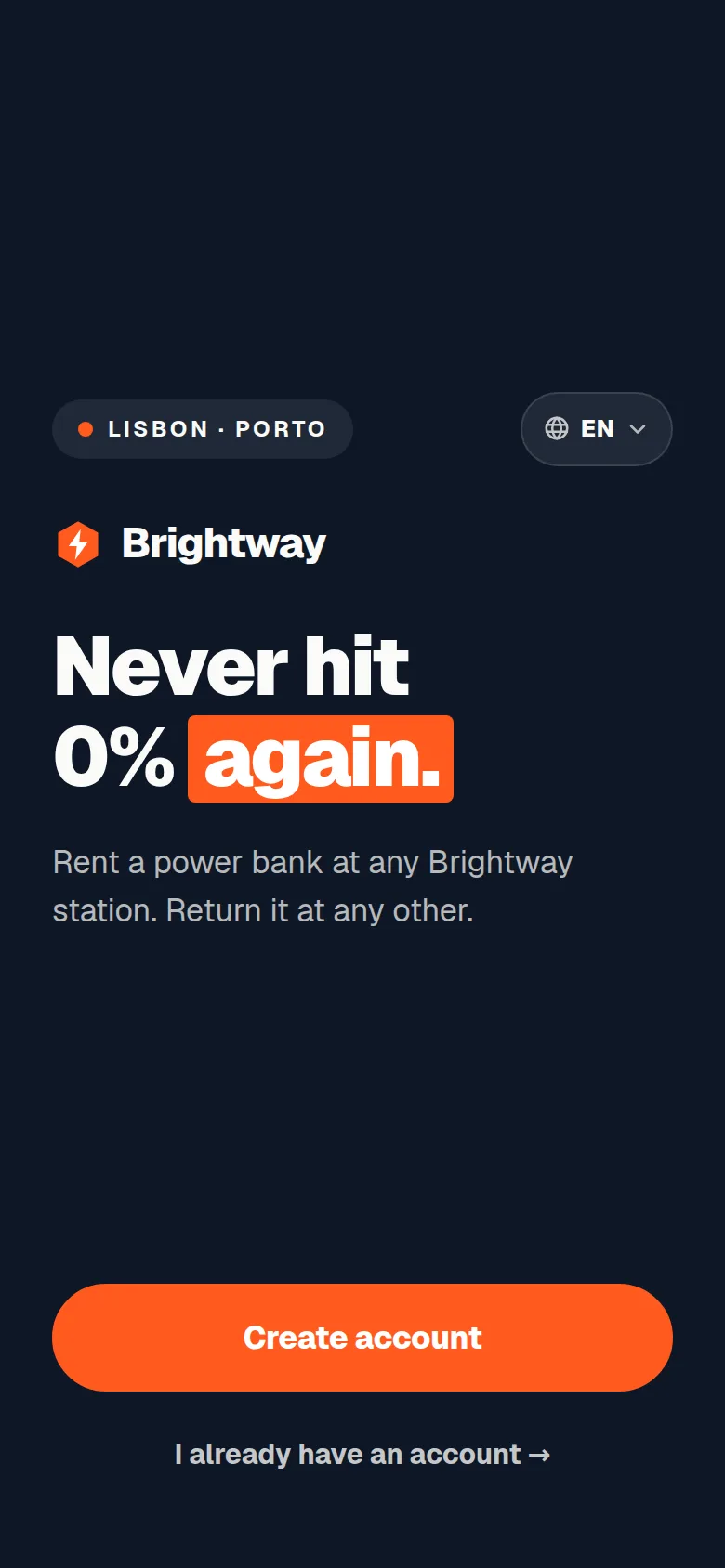
The app your users rent with, under your name. It opens from the QR code on the cabinet, so nobody has to find a store, download an app or create an account before the first rental.
Why no download wins
Every step you remove is a rental you keep.
A user with 3% battery will not go to a store, wait for 80 MB and make an account. A web app that opens from the cabinet's code removes three steps from the first rental. Regular users add it to their home screen with one tap and get an app icon in your colours.
Renting
A deposit held, nothing charged up front.
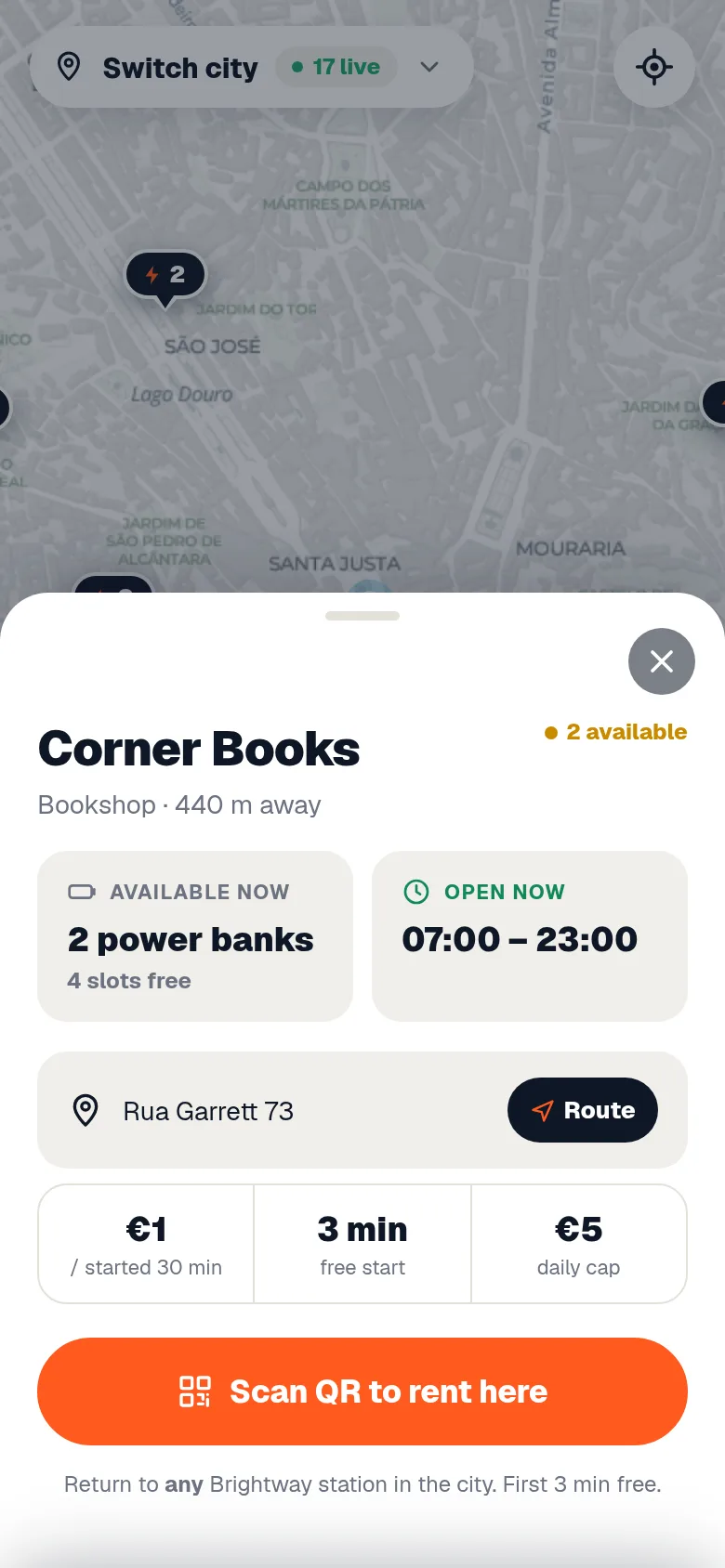
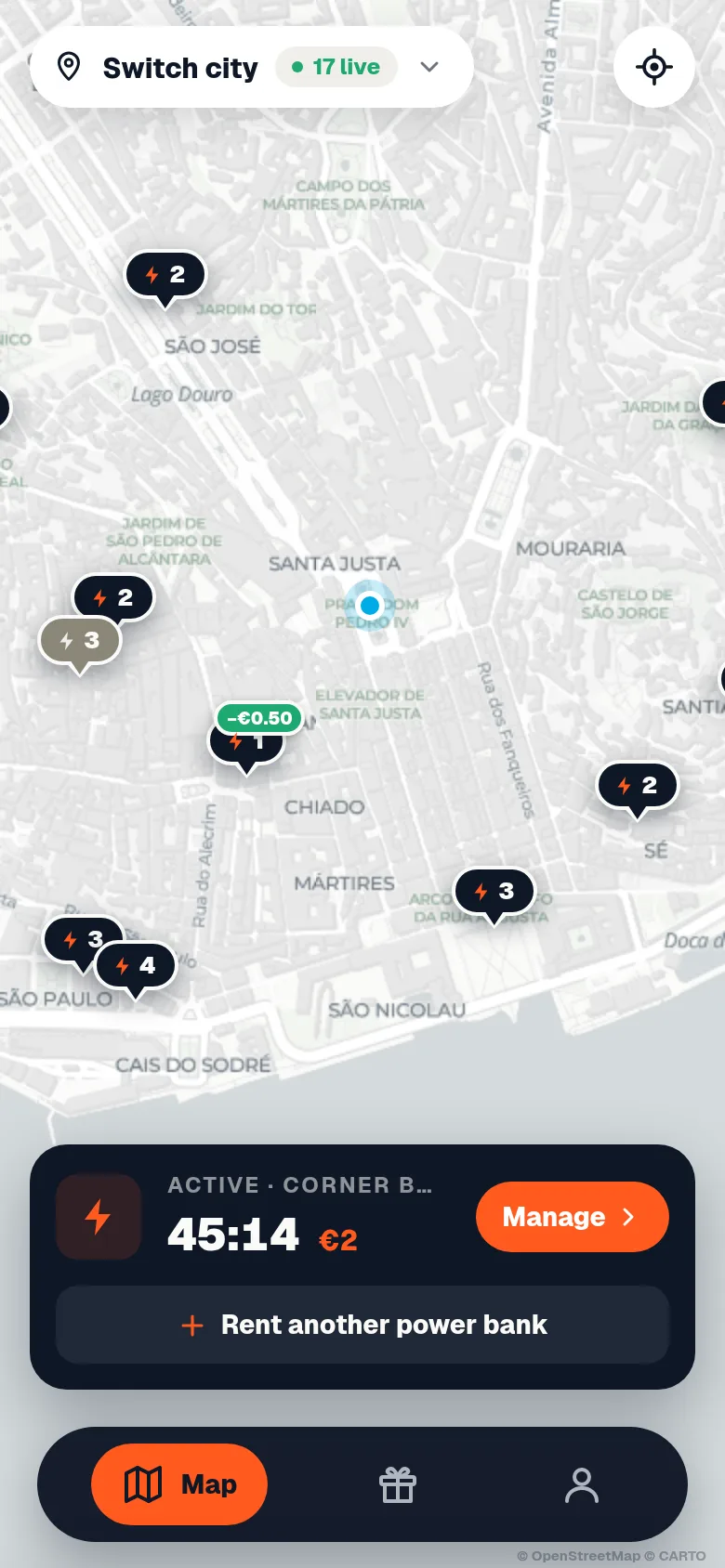
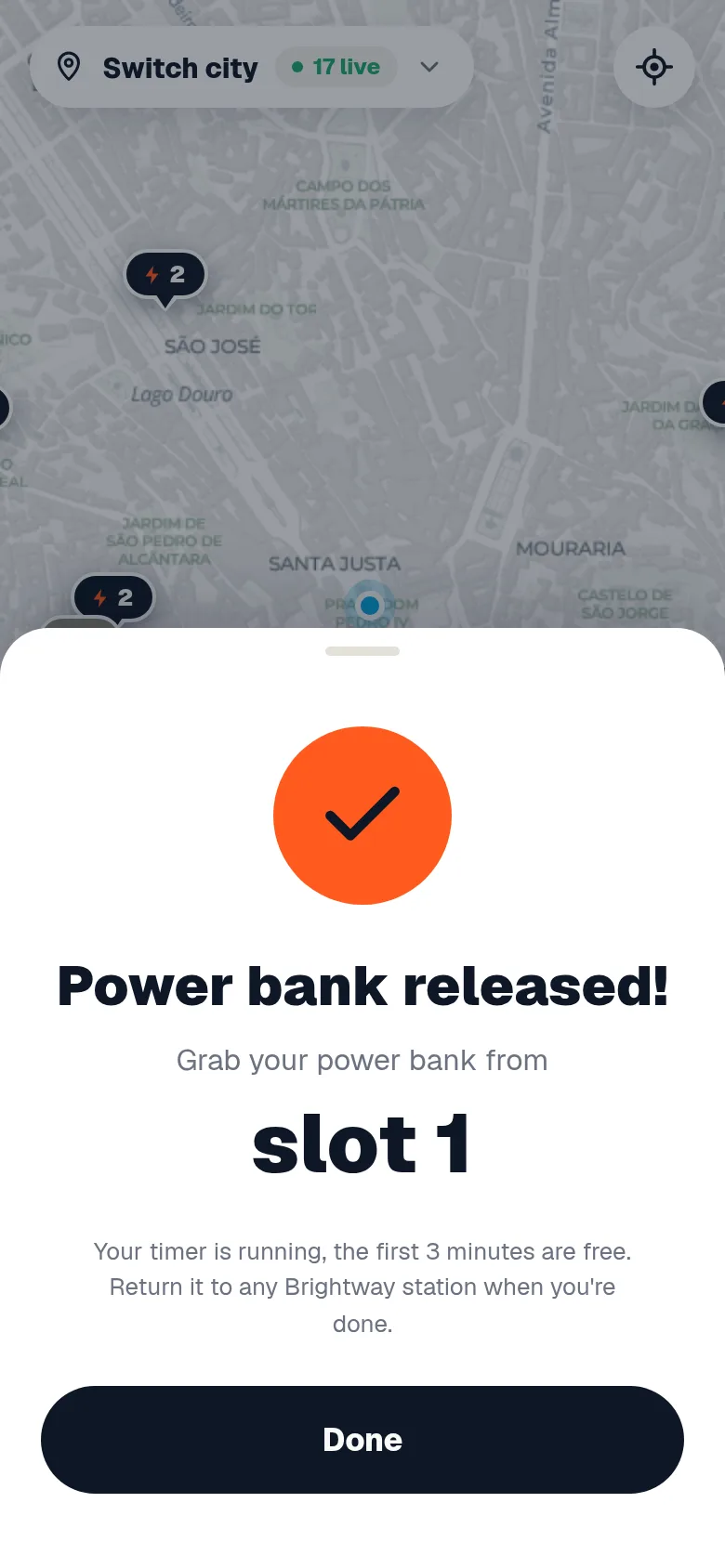
The user sees the price before paying. A deposit is held on the card and released the moment the power bank is back, minus the rental. Nothing is charged up front.
- Apple Pay, Google Pay and cards through your own Stripe account.
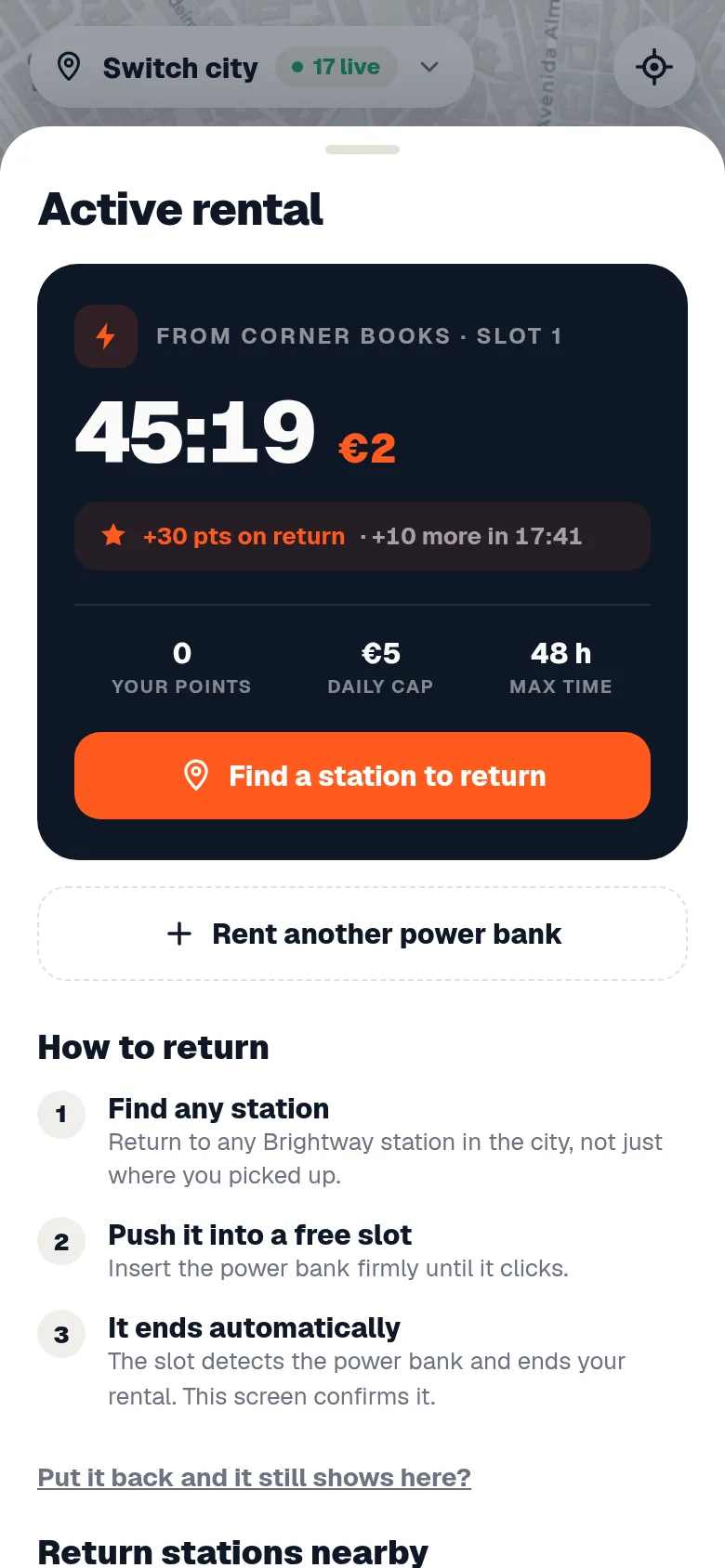
- A running price on the active rental, so the bill is never a surprise.
- Return anywhere in your network. The app shows free slots nearby.
- A receipt the second the rental closes.
Coming back
Rewards that bring users back.
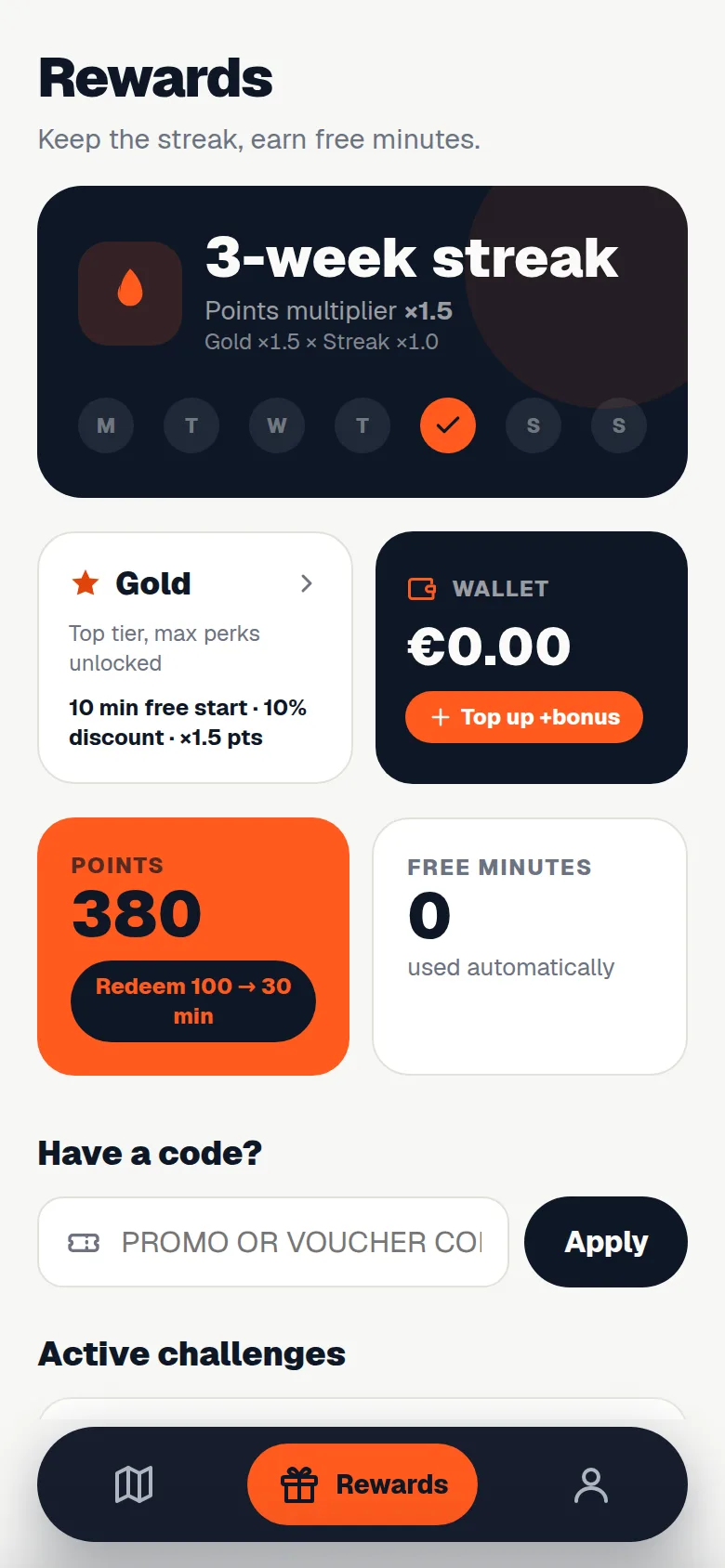
Streaks, levels and free minutes turn a one-off emergency into a habit. Invite a friend and both get time. You set what a reward is worth.
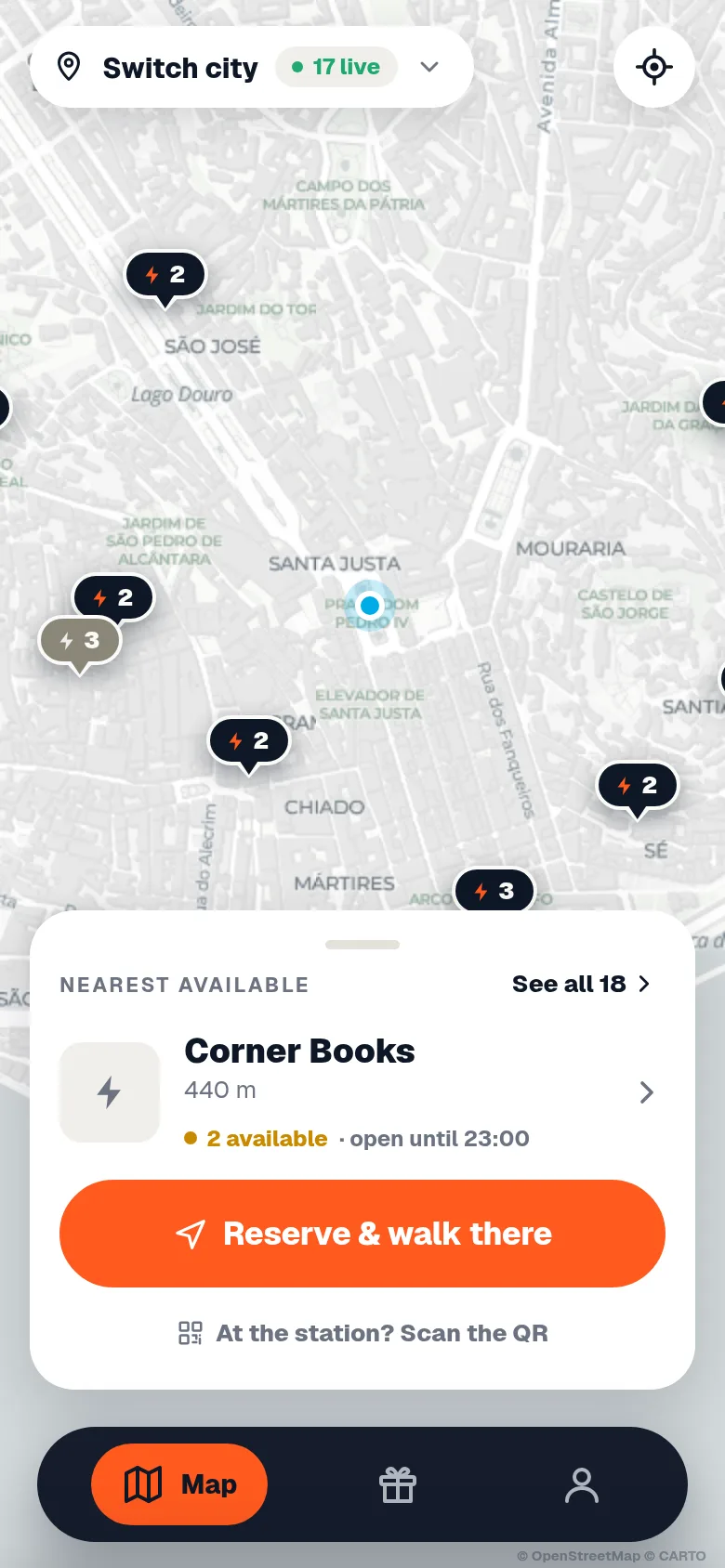
- Reserve and walk: hold a power bank for a set time and follow the route to the cabinet.
- Wallet credit for goodwill and refunds, without touching the card.
- Offer codes for venues, events and campaigns.
Everything a user needs
Small things, done properly.
Support that answers first
A support tree for the common cases and a conversation for the rest. Autopilot answers within seconds, day and night.
Four languages
The app follows the phone's language. Every text can be changed per operator.
Opening hours
A cabinet shows when its venue is open, so nobody walks to a closed door.
Light and dark
Follows the phone, in your colours both ways.
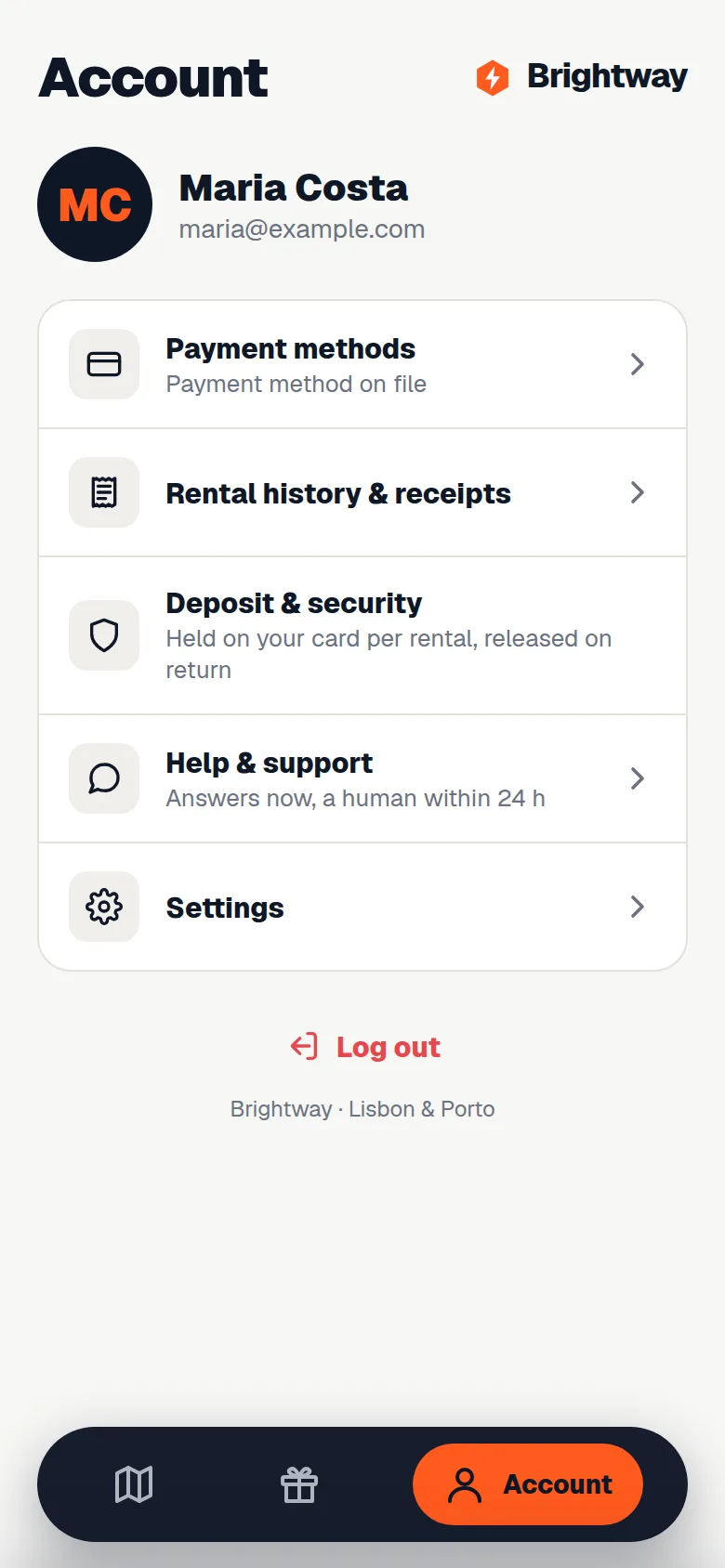
History and receipts
Every rental, every charge, every refund, with a receipt to download.
Your brand everywhere
Name, colours, fonts, logo, domain and texts. No Hiveloop badge.
Why no download wins
Web app or native app: what converts the first rental
The short version
- Every step before the first rental loses users; a store download is three steps.
- A web app opens from the QR code in seconds with Apple Pay and Google Pay.
- Regular users add it to the home screen and get your icon.
- No store reviews, fees or forced updates for the operator.
Web app or native app for power bank rental?
A web app that opens from the QR code wins the first rental, and the first rental decides everything. Most users meet your network once, in a hurry, with an almost empty phone. Going to a store, downloading an app, opening it, creating an account and adding a card is a long way at 3% battery. Each step loses people, and the ones you lose never become regulars.
How fast is a rental from the QR code?
Under a minute. The QR code on the cabinet opens your app in the browser in seconds, Apple Pay and Google Pay work there with one tap, and the power bank comes out. The user never leaves the moment they were in.
Do regular users still get an app?
Yes. A user who rents again adds the app to the home screen with one tap: your icon, your name, full screen, light or dark. They get the map, their history, rewards and support like any app, and every update reaches them the moment it ships.
What native apps still do better
Native apps are listed in the stores and can send richer notifications. For a power bank network, where almost every user arrives through a cabinet's QR code, those are small gains against the cost of losing first rentals, plus the price of publishing and maintaining two store apps under your own developer accounts.